













Manage screen time
block apps and control online content based on your child's age.
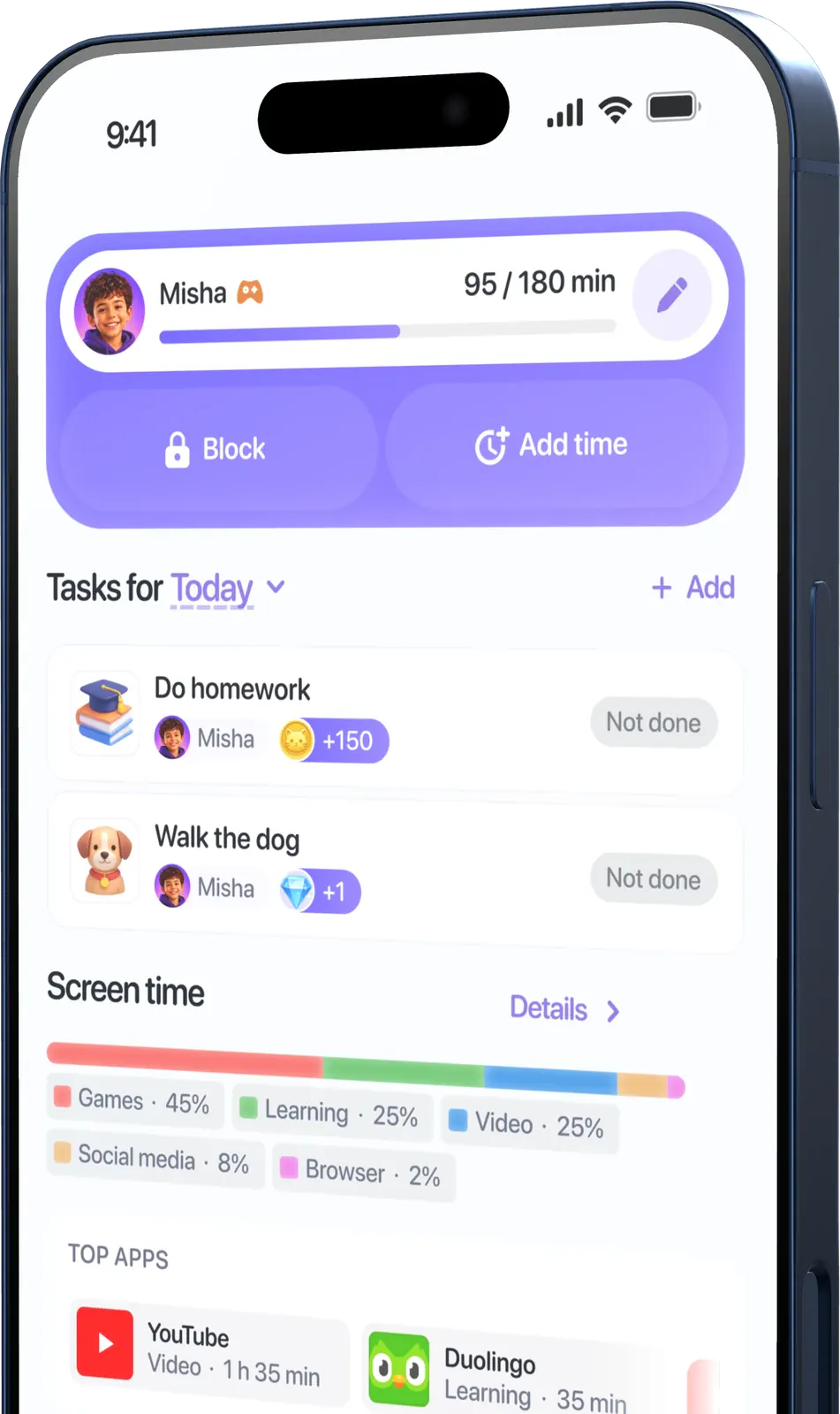
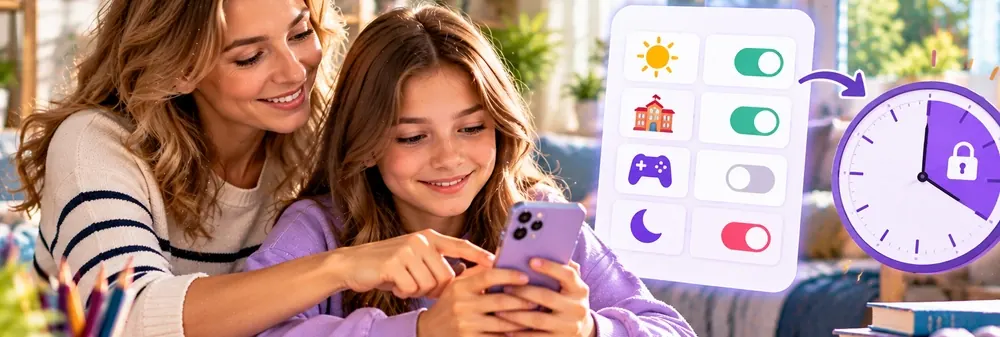
- Flexible daily screen time limits for each day of the week
- Instant pause and one-tap activity launch
- Parent notifications when limits are exceeded


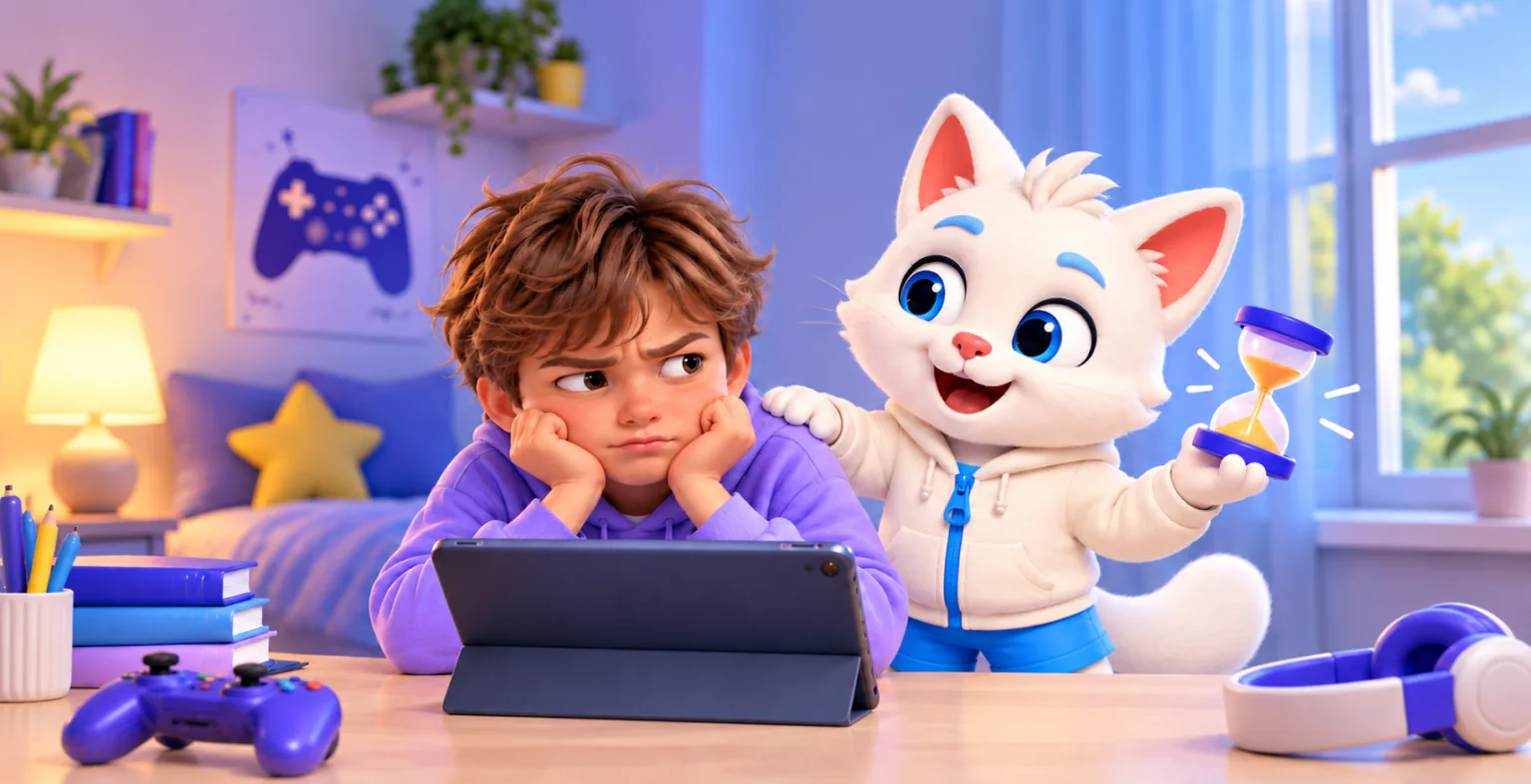
Smart pause technology helps build new neural connections through learning, neurogymnastics, and a gentle transition back to real life.
Try for free

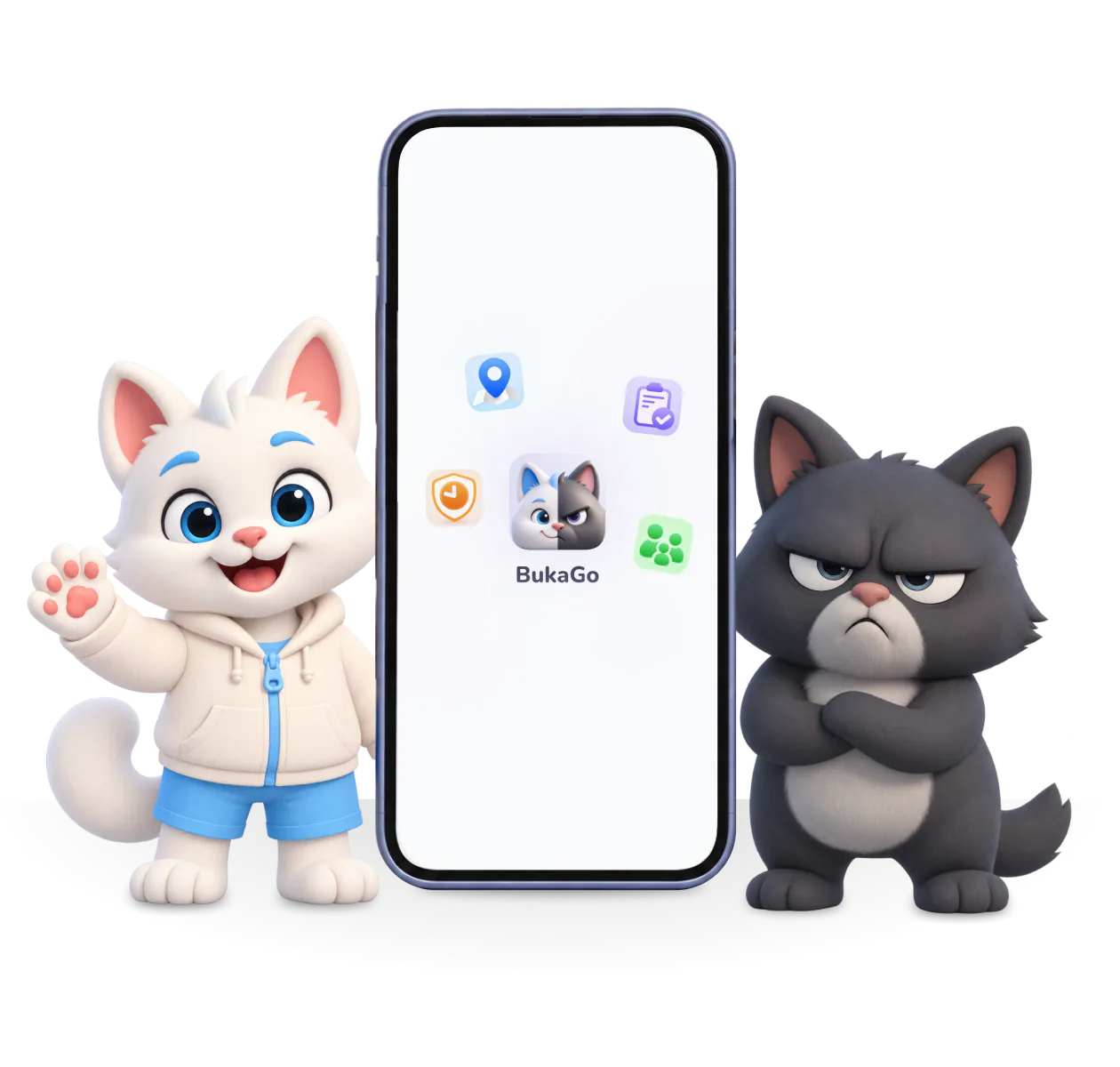
block apps and control online content based on your child's age.
useful topics will be integrated into smart pauses

add reminders for homework and chores

switch attention to eye exercises or stretches in a playful format

and their route
Fun kittens that don't lecture — they play on the same team as your child
 +150
+150
Choose the odd picture out
The child completes a task or watches educational content and earns points.
 +1
+1
Complete the task
 Take a photo
Pack your school bag and send a photo
Create your own tasks and assign rewards in money or points that can be exchanged for gifts.
+150
Let's exercise
Support your child's physical health and protect their eyes from strain.
Eye exercises
50For a goal
5For good
We warn in advance about time running out and an upcoming attention switch.

Masha takes the lead
 Masha120
 Misha95
 Dad80
Dad80Create a family task board and build healthy habits together.

QUICK START
Simple setup and a convenient interface.Access any feature you need in one click!

Availability of individual features depends on the platform.
«We used to argue about putting the phone away every evening. Now we agree on screen time in advance, and my son keeps track of his limit. Evenings feel calmer.»

MCC ICF-коуч, ТОП-5 коучей России, сооснователь Академии 5 PRISM, магистр психологии. Автор книги «Кир и Другая сторона Луны» и одной из развивающих программ BukaGo.

Эксперт по цифровому благополучию детей, автор концепции «умных пауз» в BukaGo, создатель Mamado — платформы для родителей о развитии, обучении и семейном досуге

Parents.ru помогает родителям находить понятные и экспертные ответы на вопросы воспитания, развития, обучения и семейных отношений.

Woman.ru помогает женщинам и родителям разбираться в важных вопросах семьи, детей, здоровья и отношений.
Yes. Install BukaGo on the parent’s and child’s phones, then link the devices using the in-app instructions.
The parent's phone can be an iPhone or Android. The child's phone is Android only for now; the iPhone version is coming soon. The App Store lists iOS 15.1 as the minimum. Check Android compatibility on Google Play using the device you plan to connect.
For free you get your child's location on the map, a daily screen time limit, screen settings during study time and management by one parent. Smart breaks and development programs, tasks with rewards, route history and geofences, advanced restrictions and family access are part of PRO.
Android offers uninstall protection using accessibility and device administrator permissions. A parent needs to enable it. Behaviour and restrictions on iPhone may differ.
They enable the features you choose: location access supports location tracking, while Android accessibility helps prevent parental controls from being disabled.
The privacy policy describes data handling. Turn off renewal in the store or service where you subscribed. Deleting the app does not automatically cancel the subscription.
BukaGo is available in Russia, Uzbekistan and Kazakhstan. Choose a country in the download section to open the website in your language and download the app.
Screen time control for your child with smart pauses and geolocation